
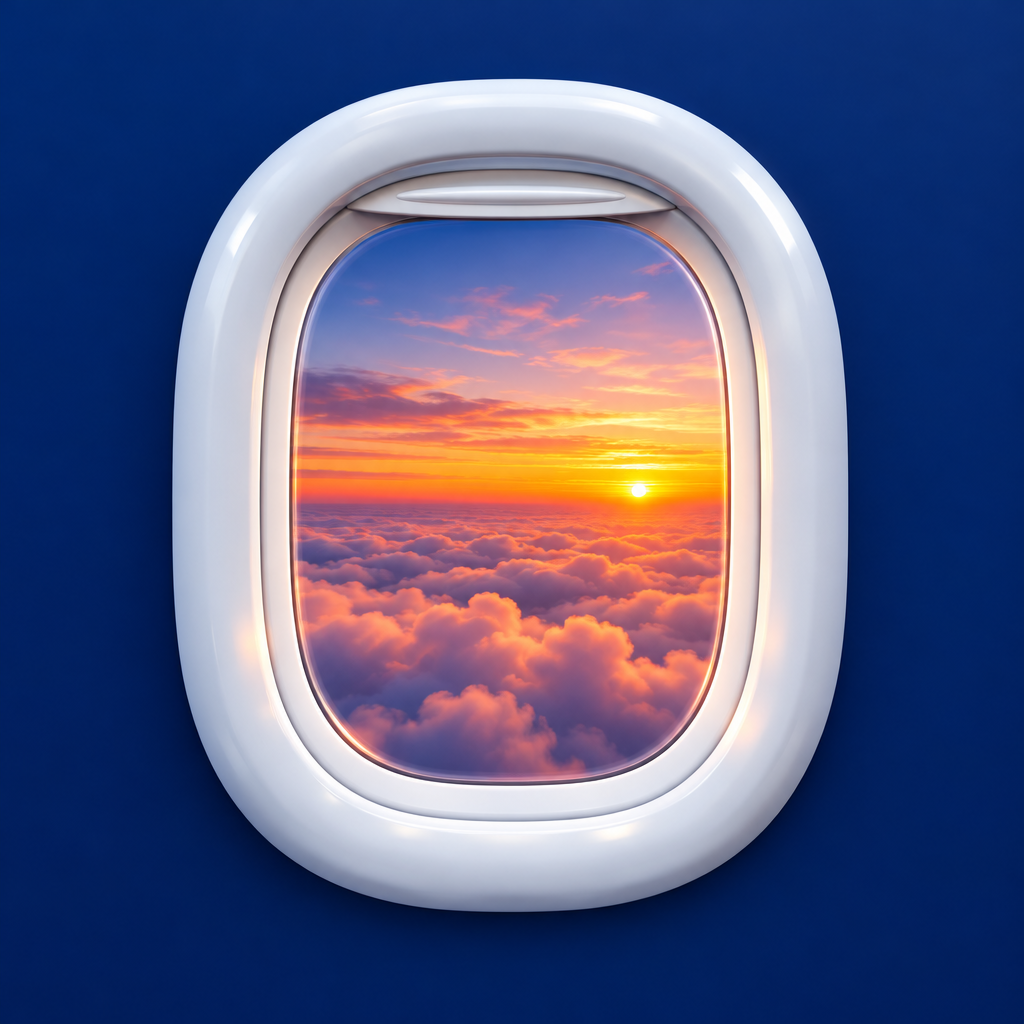
Window Seat
Travel · Made by the OpenV2 team
A SwiftUI app that shows the view from each window seat before you buy it: a top-down seat map of the plane, a window view that changes along the flight with a timeline slider, sun and glare hints, a shade you can pull down, and an honest warning when a 'window' seat has only a wall panel.
Remix copies the finished app into your account. It runs in the cloud simulator, in your browser.
What’s inside
The prompt that builds it
351 wordsCreate a native SwiftUI app for iPhone that lets travellers see the view from a window seat before they pay for it. Calm, premium look: warm off-white background, black text, a monospaced font for flight details and times, soft shadows. The first screen is Choose your seat for one flight (flight number, route Barcelona to Paris, date): a top-down illustration of the plane with wings and engines and 26 rows of 3+3 seats drawn as small rounded squares, taken seats filled grey and free seats outlined, row numbers in the aisle and window markers along the fuselage. A bottom card says Tap a window seat, with a one-line hint. Tapping a window seat opens Window view for that seat: a large aircraft window frame with a rounded inner pane showing the view outside. A bottom card shows a big monospaced time and flight phase (Takeoff, Cruise, Landing), a title for what you see (the city and the sea, the mountains, a sunset, the arrival city), a coloured dot with a sun or glare hint, and a timeline slider from departure to arrival with labelled stops; dragging it cross-fades the view and updates the time, title and hint. When the sun shines straight in, a Pull the shade down pill appears; tapping it slides an animated shade over the window. A black button keeps the seat with its price. Some rows sold as window seats have no window: tapping one shows the cabin wall between two windows, a No window in this row warning, and two buttons, Change seat and Keep the seat with its lower price. Rules: one flight with its seat map, prices and views built in; generate the window view images (city and coastline from above, mountains, clouds, sunset over the arrival city) and the cabin wall image as app assets; no accounts and no backend. Smooth transitions between the seat map and the window view, and light haptics. Small files, view bodies split into subviews. It must build without errors and run on the iOS 26 simulator; check the main flows on the simulator and fix anything broken.
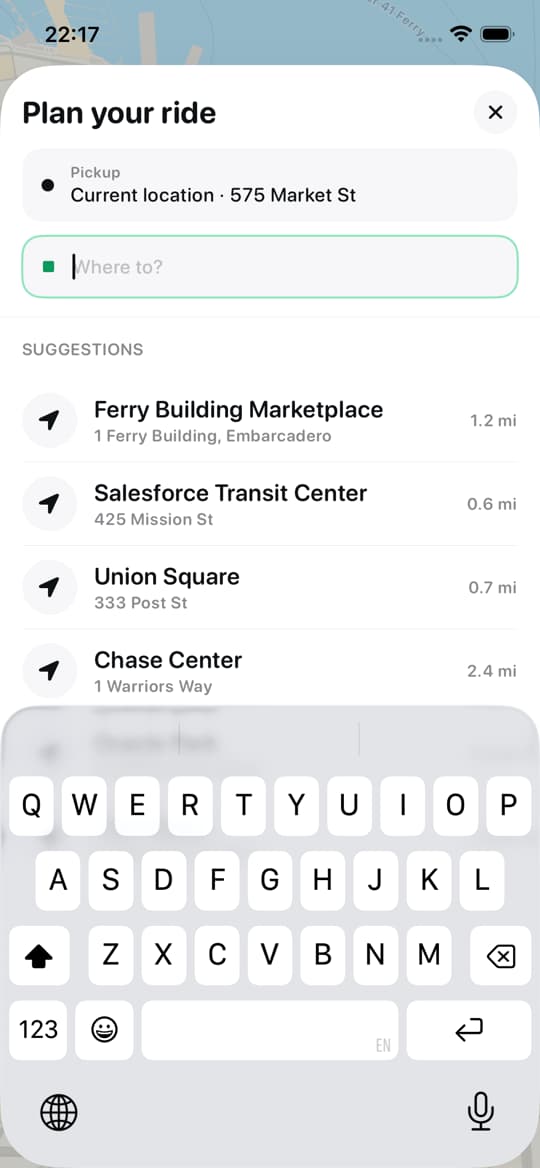

Uber clone
iOSRide-hailing app template · map, ride options, live driver
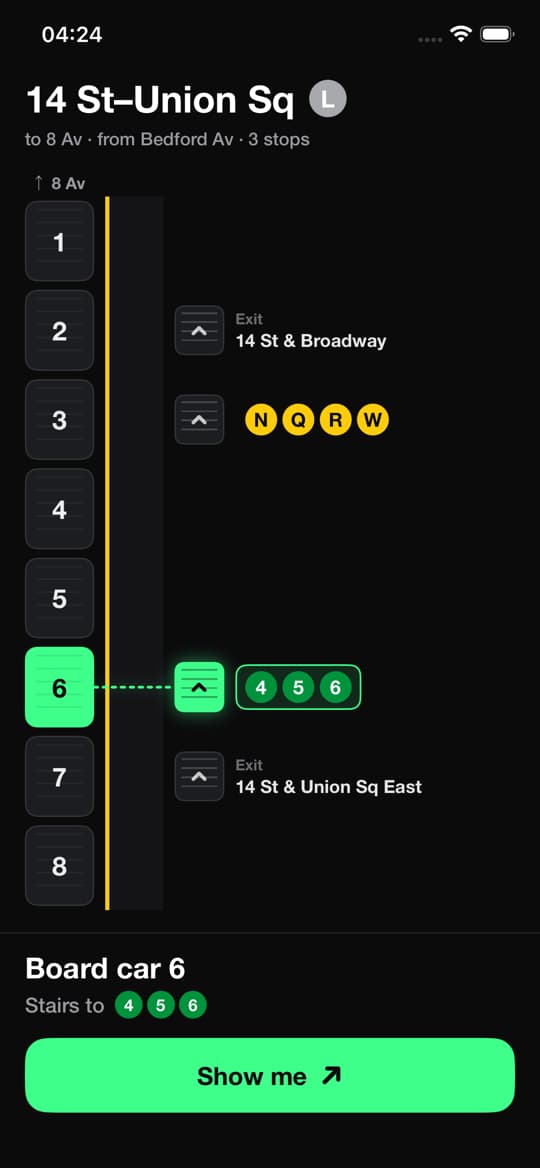
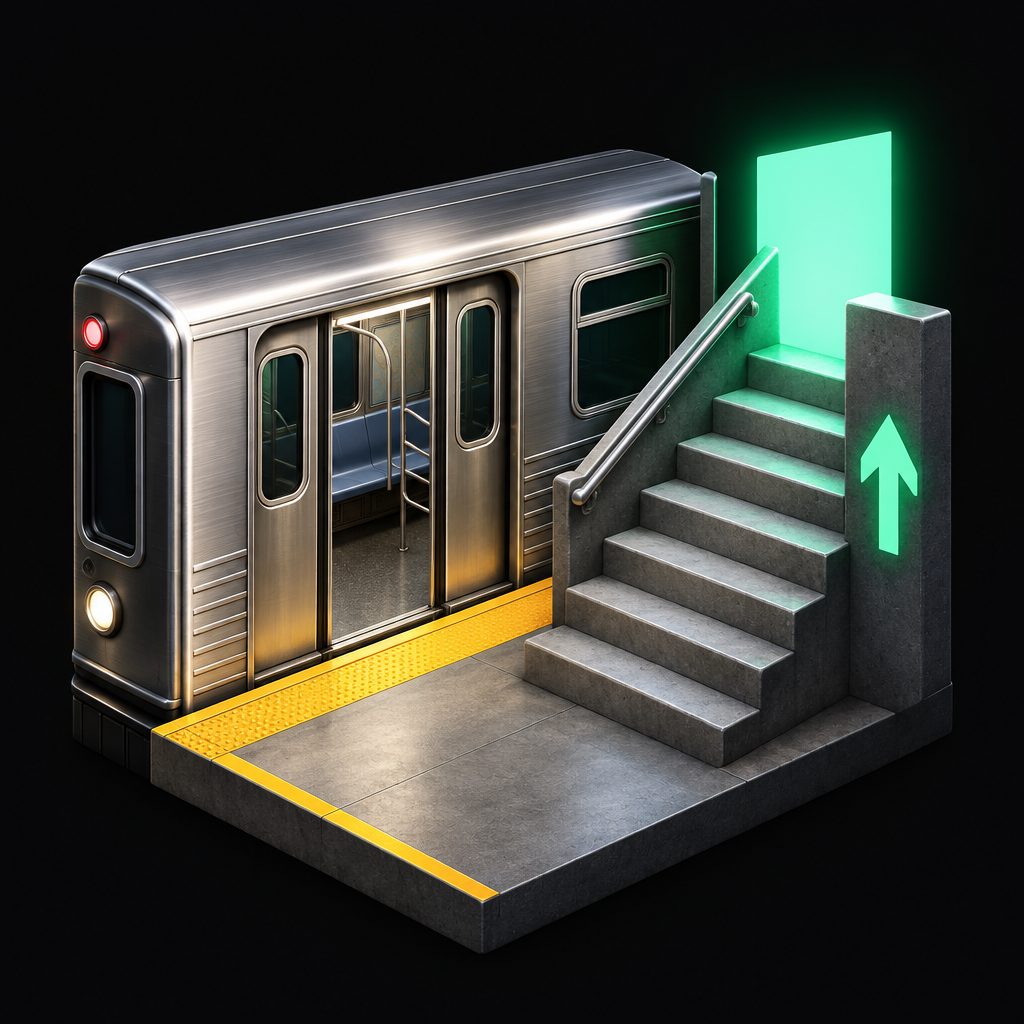
Subway stairs guide
iOSCare Scară · See which car to board and which stairs to take
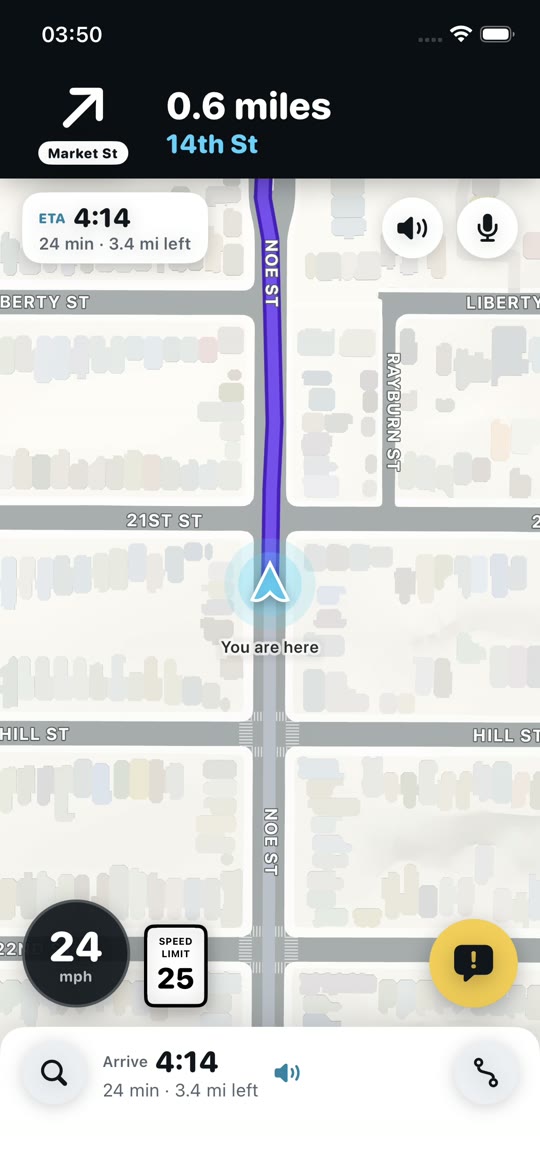

Waze clone
iOSNavigation app template · live map, reports, turn-by-turn
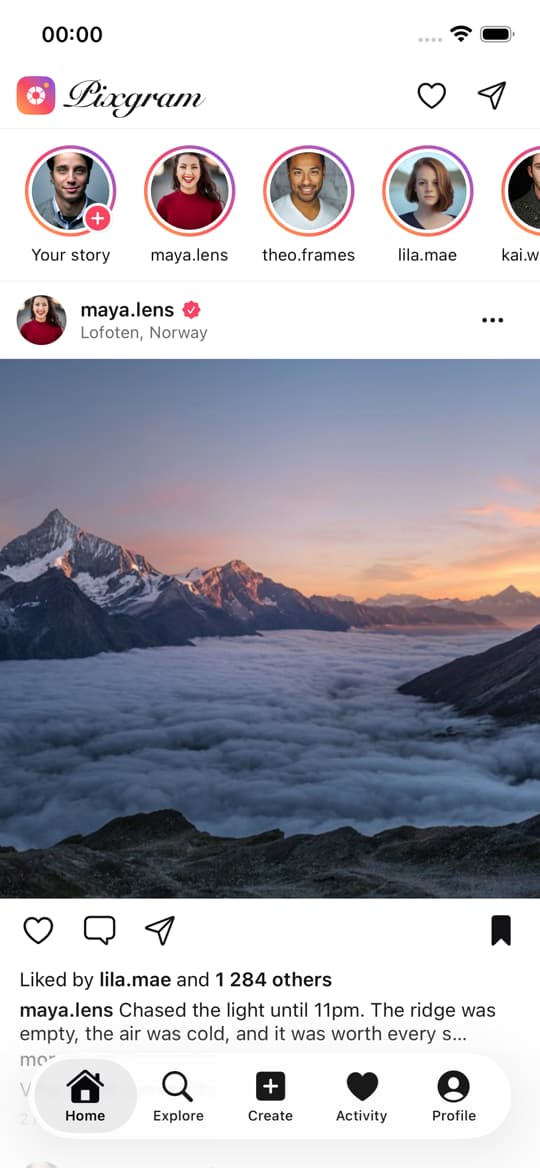

Instagram clone
iOSPixgram · Photo-sharing app template
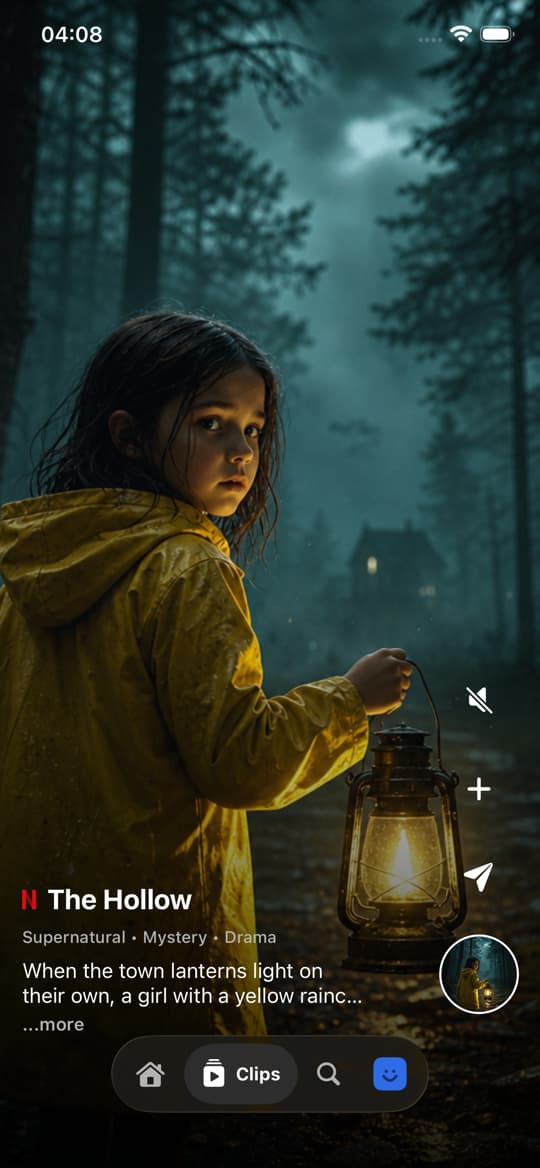

Netflix clone
iOSStreaming app template · profiles, rows, player
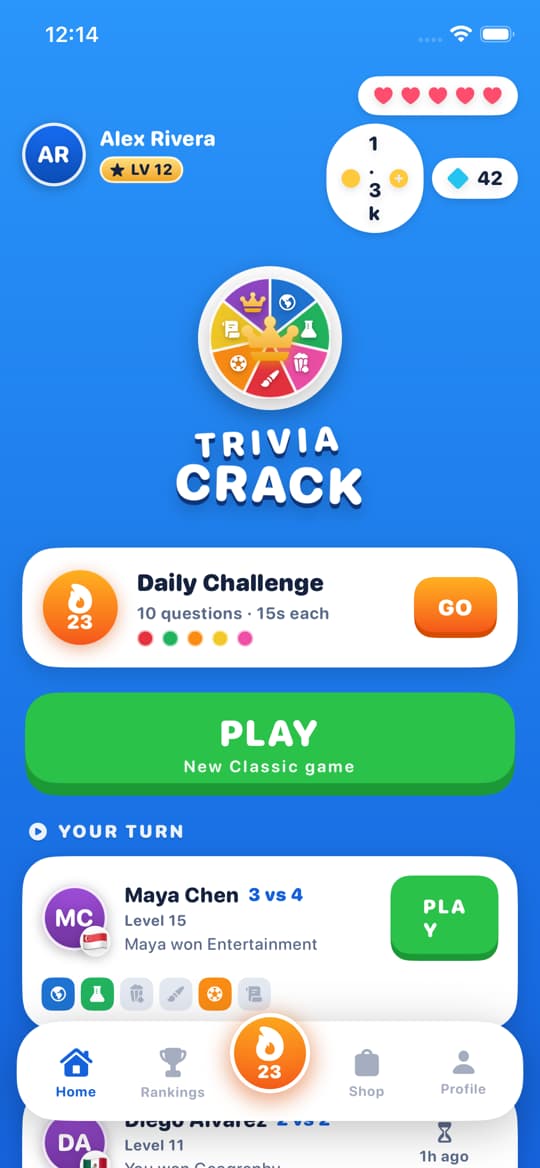

Trivia Crack clone
iOSTrivia game template · wheel, crowns, daily challenge






Build it with a team of six
Describe your app. Ethan, Clara, Maya, Oliver, Leo and Sofia take it from idea to the App Store and Google Play.