

Google Home clone
Productivity · Made by the OpenV2 team
Willow Lane is a smart-home app in SwiftUI: favorite devices, rooms, a thermostat dial, live cameras with events, an activity feed with an AI home summary, automations, sensors with alerts and an assistant that answers about the home and changes devices.
Remix copies the finished app into your account. It runs in the cloud simulator, in your browser.
What’s inside
The prompt that builds it
285 wordsCreate a native SwiftUI smart-home app for iPhone called Willow Lane, with a soft, light Material-style design and an assistant built on V2 Cloud AI. A welcome screen introduces the home, then the app opens on Home: filter pills (Favorites, then one per device type) above tiles for lights, locks, plugs, the thermostat, cameras and speakers. Tiles tint when a device is on; a light tile shows its brightness as a fill you can drag. Tapping a tile opens its detail: a big thermostat dial you rotate to set the temperature with heat, cool, eco and off modes; a light with brightness and colour temperature; a lock with a hold-to-unlock button. Cameras show a live view with an event timeline (person, package, motion) you can scrub. Devices are grouped by room too. Activity shows a short AI-written summary of the home's day at the top, then a timeline of events. Automations lists routines (Good morning, Away, Bedtime) with an editor for starters and actions. Sensors show live temperature, humidity and air quality with charts and threshold alerts. An Ask bar at the top opens the assistant: it answers questions about the home from the device state and can change devices ("turn off the kitchen lights"), using V2 Cloud AI, with a short note that AI answers can be wrong. Settings has the household members, Wi-Fi and a CSV export of the activity. Rules: one demo home with realistic devices and data built in, no permissions, no real device control. Spring animations, haptics and pressed states. Small files, view bodies split into subviews. It must build without errors and run on the iOS 26 simulator; check the main flows on the simulator and fix anything broken.
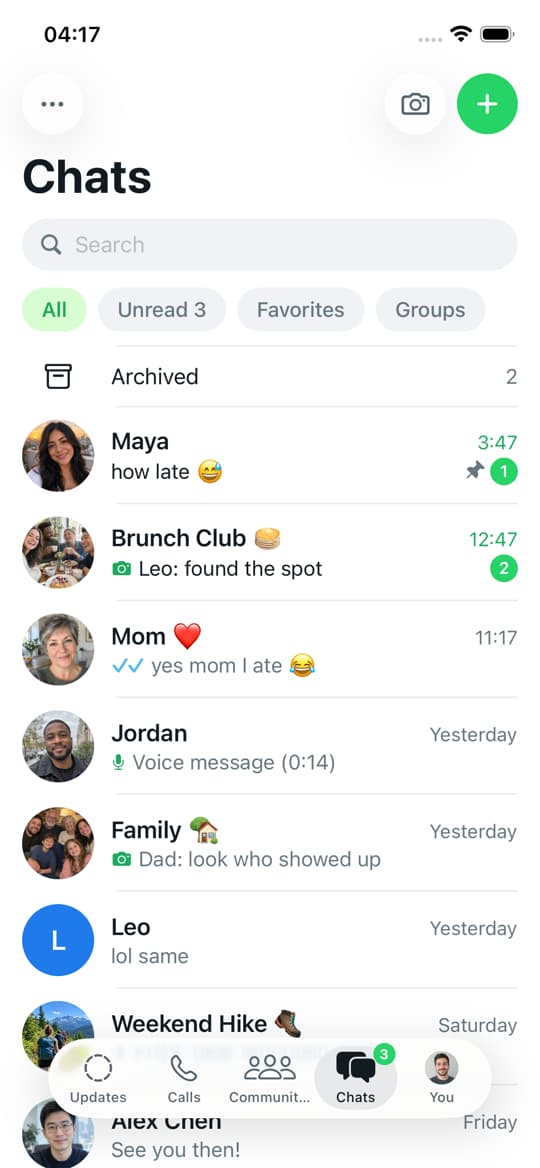

WhatsApp clone
iOSMessaging app template · chats, status, calls
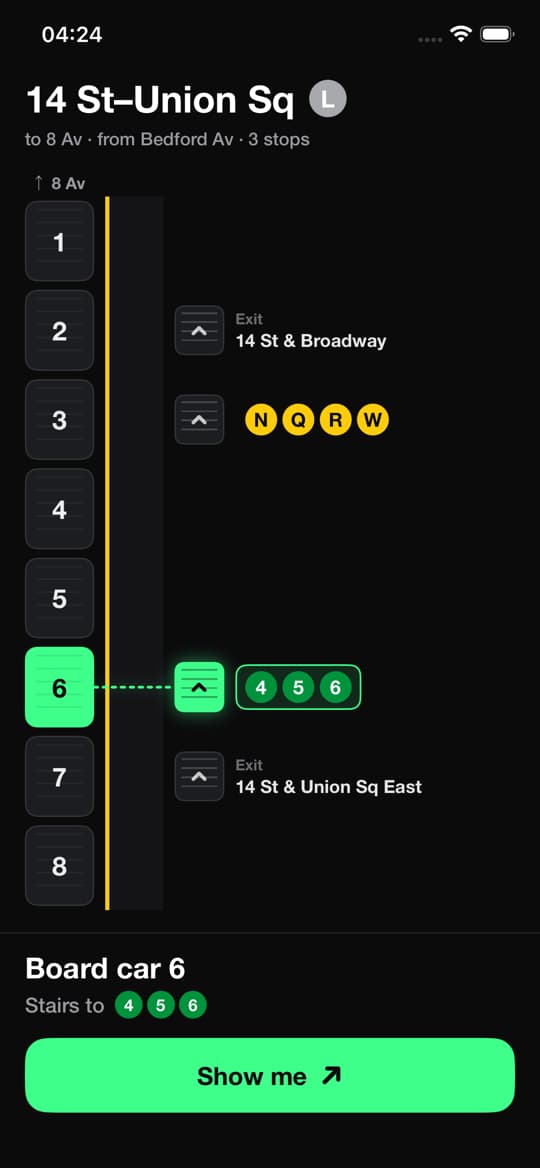

Subway stairs guide
iOSCare Scară · See which car to board and which stairs to take
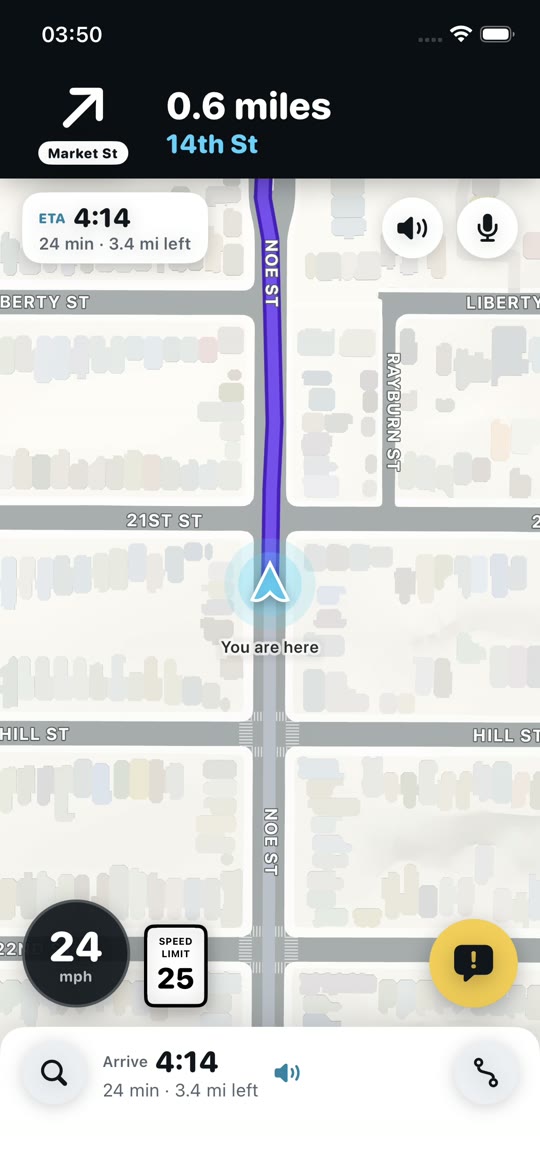

Waze clone
iOSNavigation app template · live map, reports, turn-by-turn
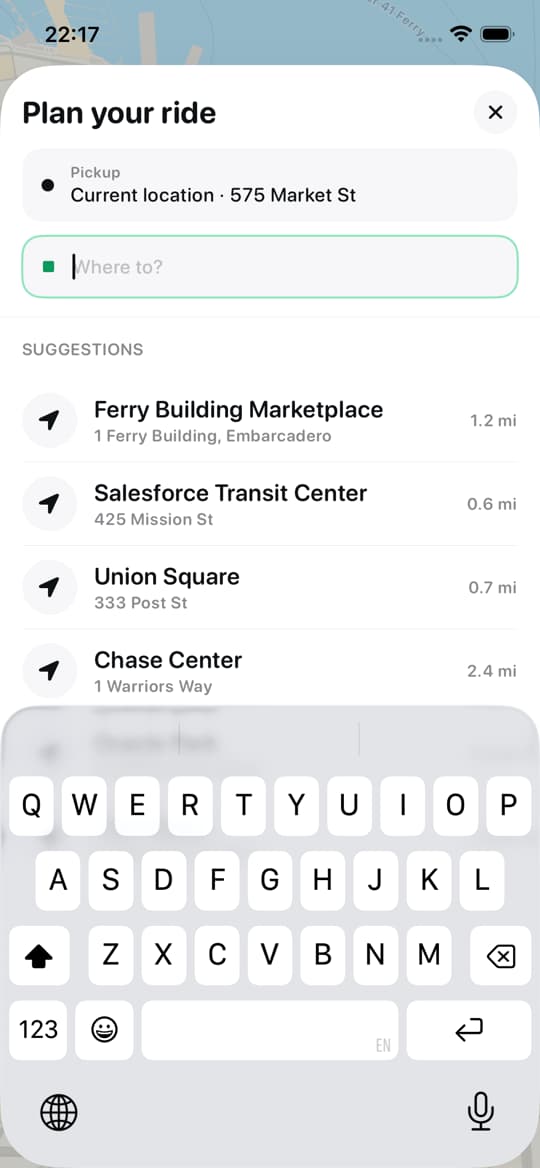
Uber clone
iOSRide-hailing app template · map, ride options, live driver
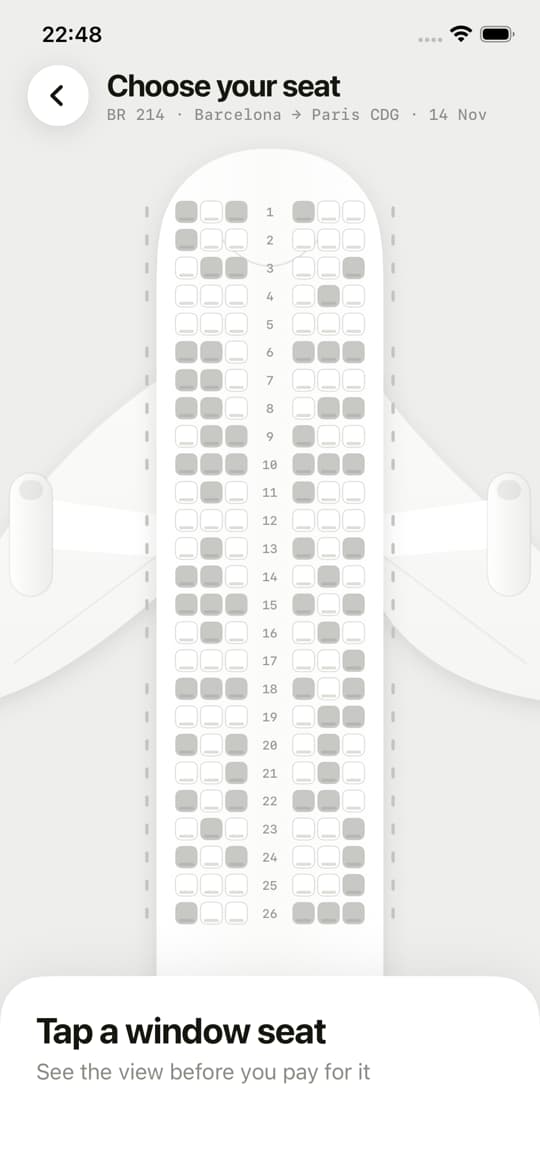

Window Seat
iOSSeat-view app · see the view before you pick your seat
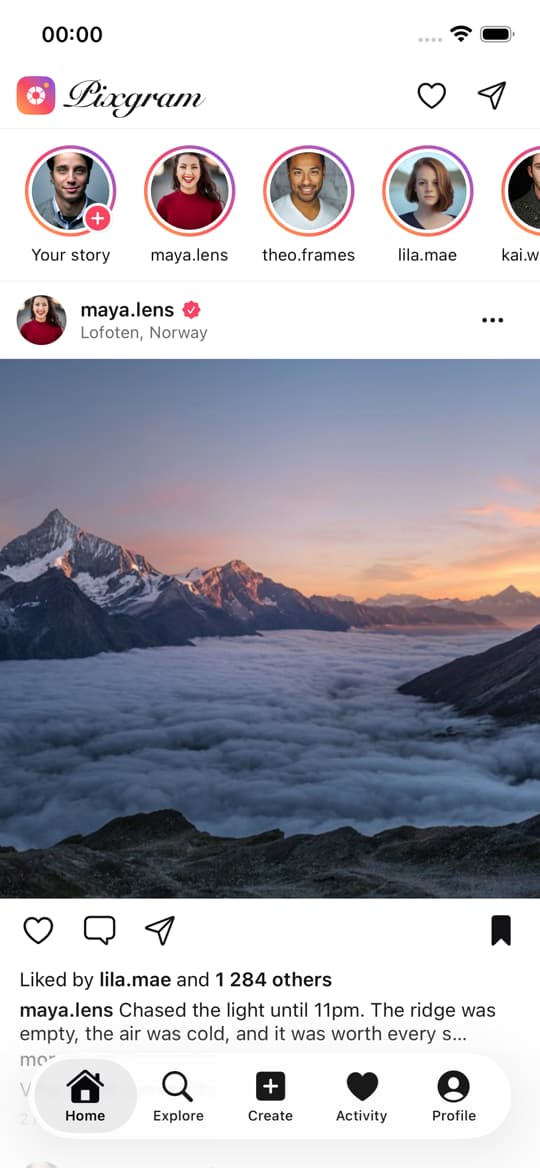

Instagram clone
iOSPixgram · Photo-sharing app template






Build it with a team of six
Describe your app. Ethan, Clara, Maya, Oliver, Leo and Sofia take it from idea to the App Store and Google Play.